Ticket
Search by reference or subject.
Customer support organisation software · One-time packages · Digital delivery
Features
HelpSignal focuses on clear records, visible priorities and useful support history without making unsupported automation claims.
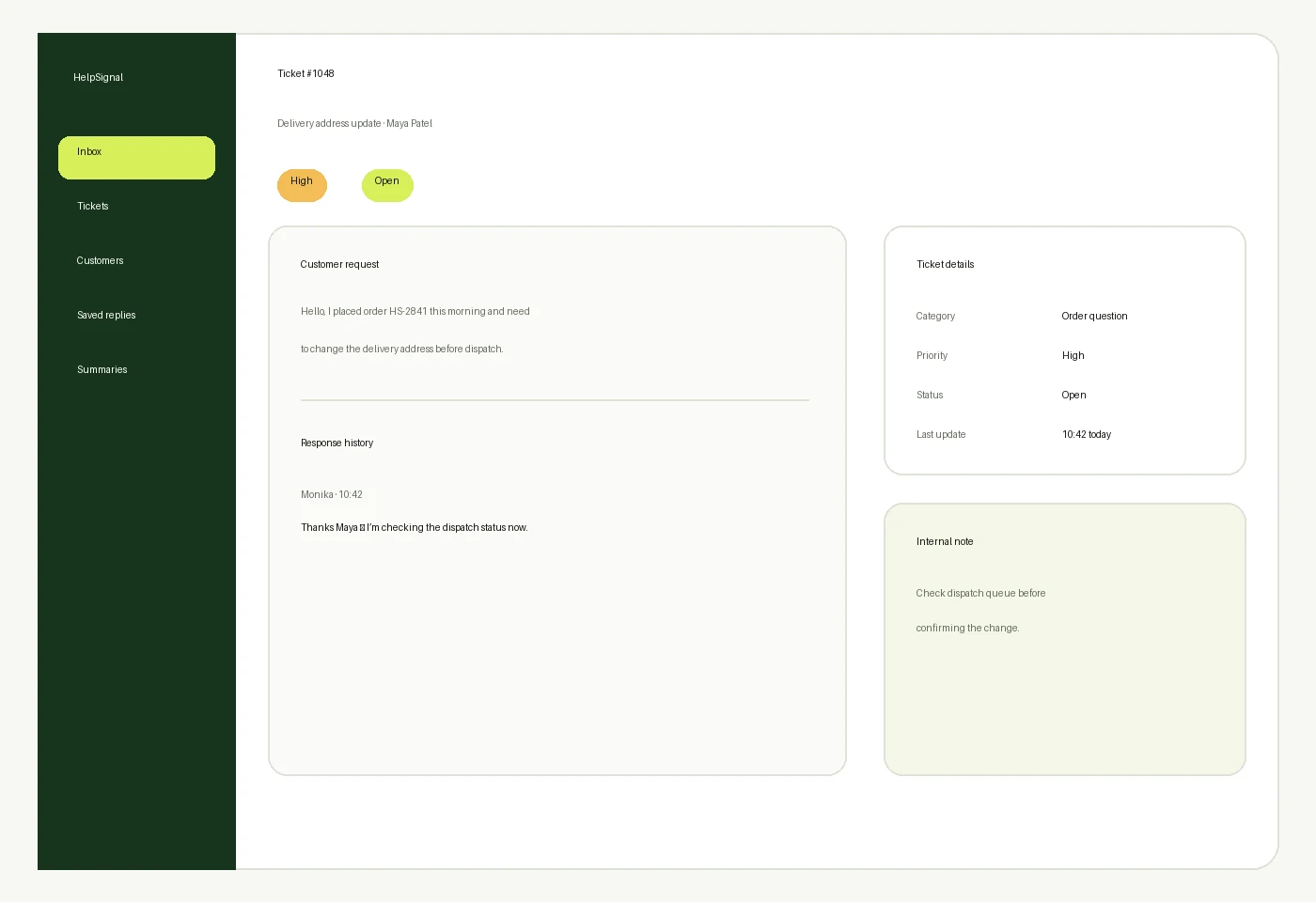
Keep ticket ID, customer, subject, description, category, priority, status, created date, last update and resolution notes together.
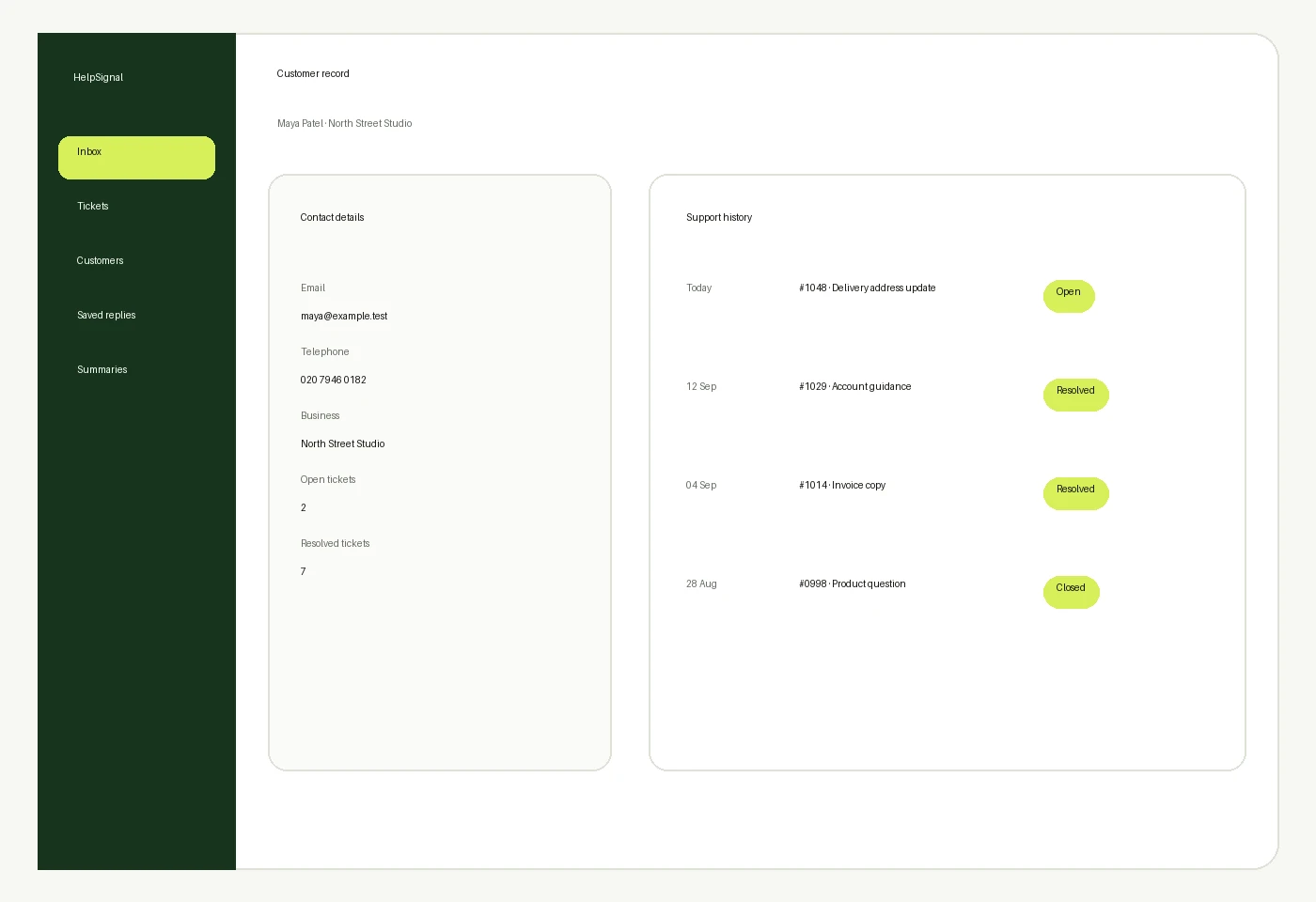
Connect name, contact details, company, ticket history, active enquiries, resolved enquiries and internal notes.
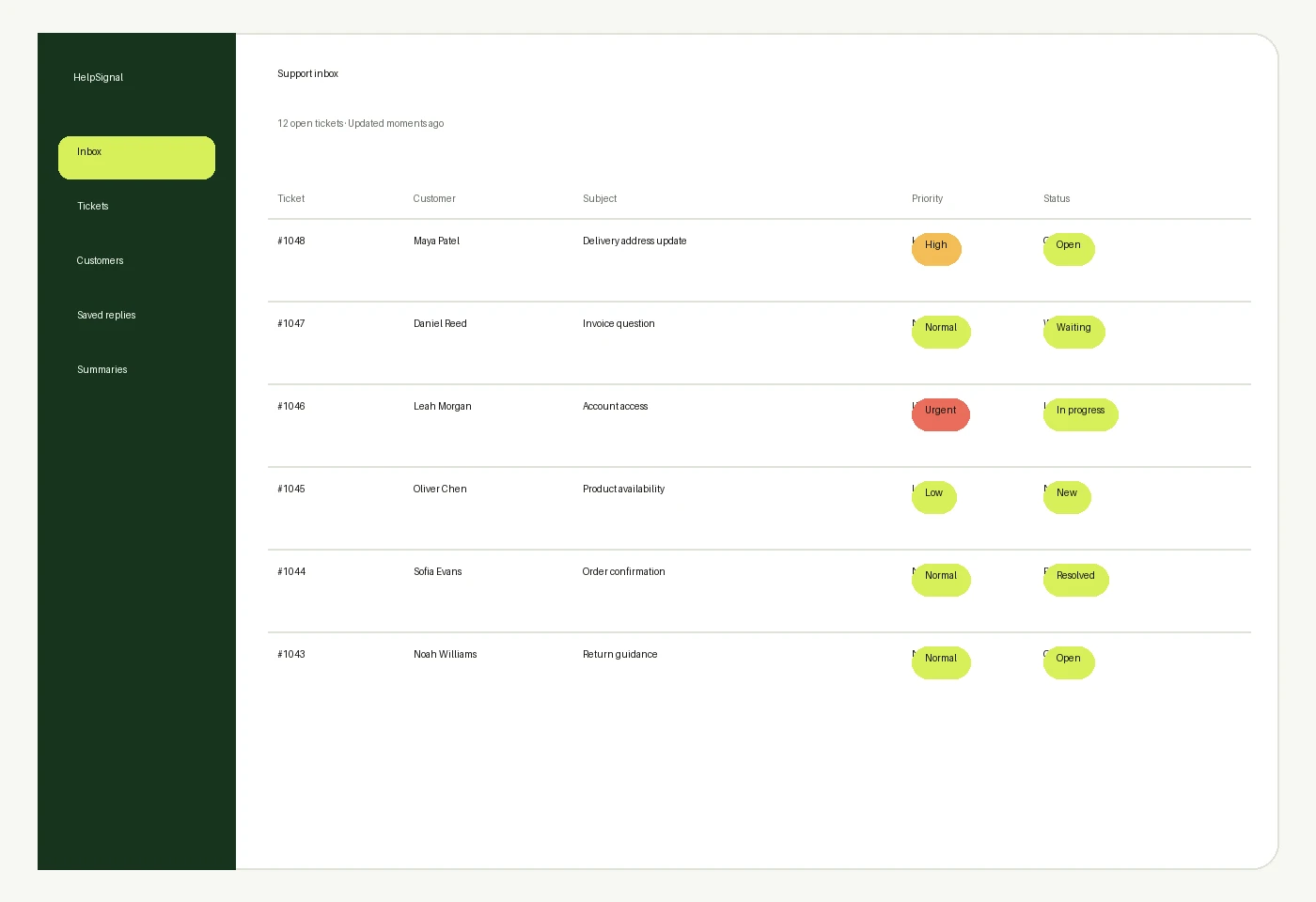
Use General Enquiry, Account Question, Order Question, Technical Support, Billing Question, Delivery Question, Feedback, Complaint or Other. Categories are configurable where supported.
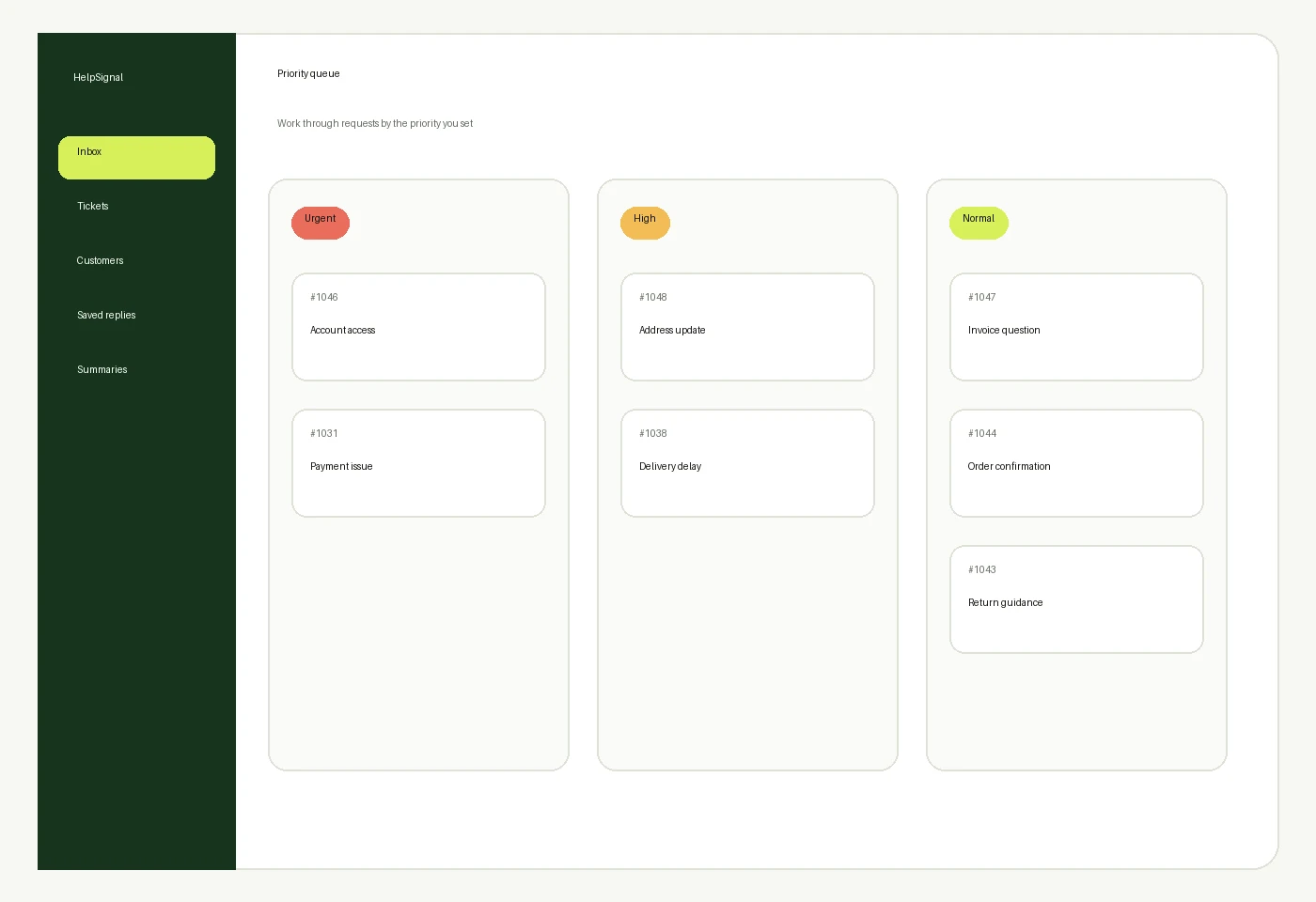
Apply Low, Normal, High or Urgent according to your own judgement. HelpSignal does not automatically assess urgency.
Keep previous responses, response dates, ticket updates, resolution information and follow-up history visible.
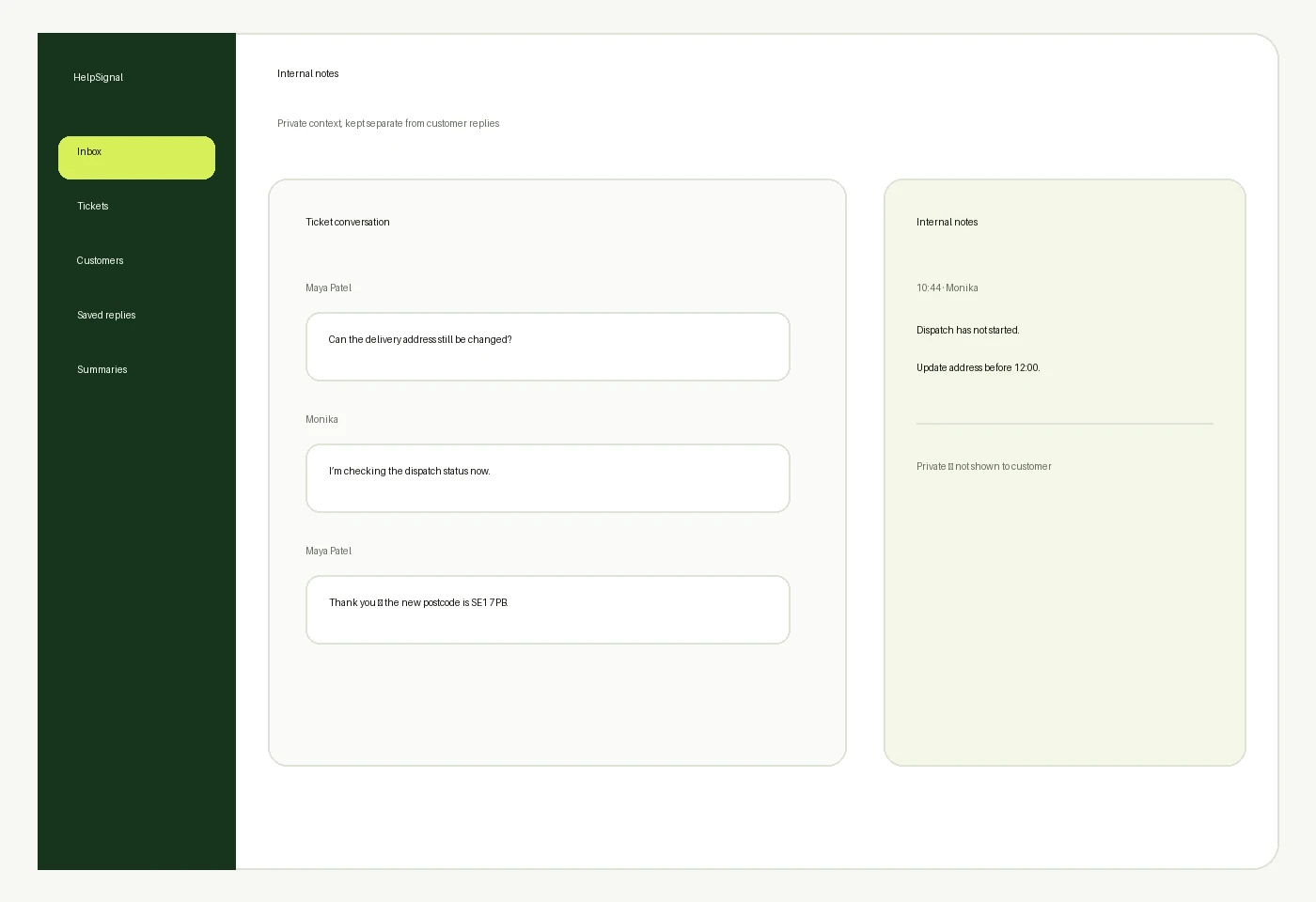
Record private operational notes, background information, follow-up requirements and resolution context.
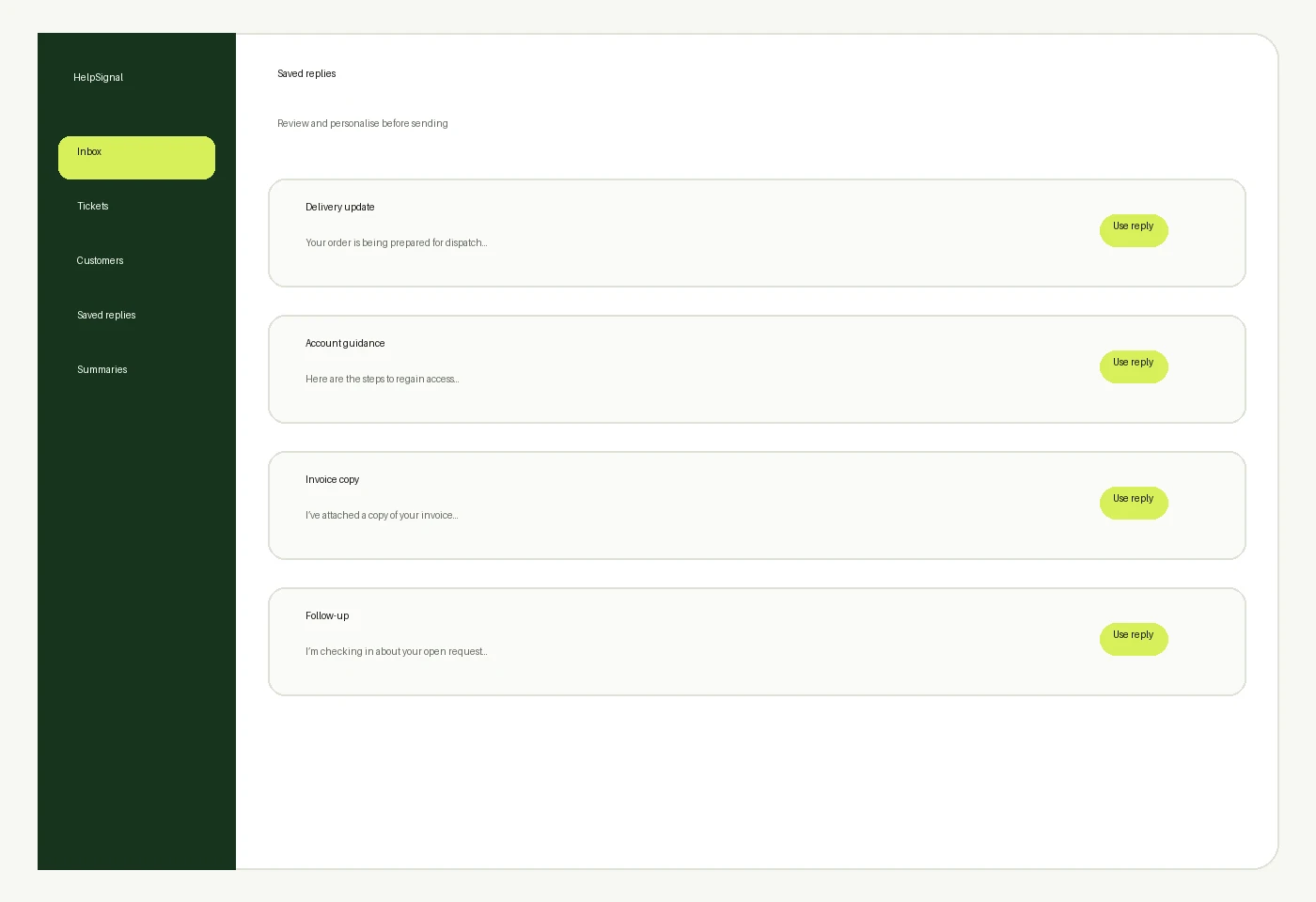
Prepare frequently used responses, standard guidance and common answers, then review and personalise each message before sending.
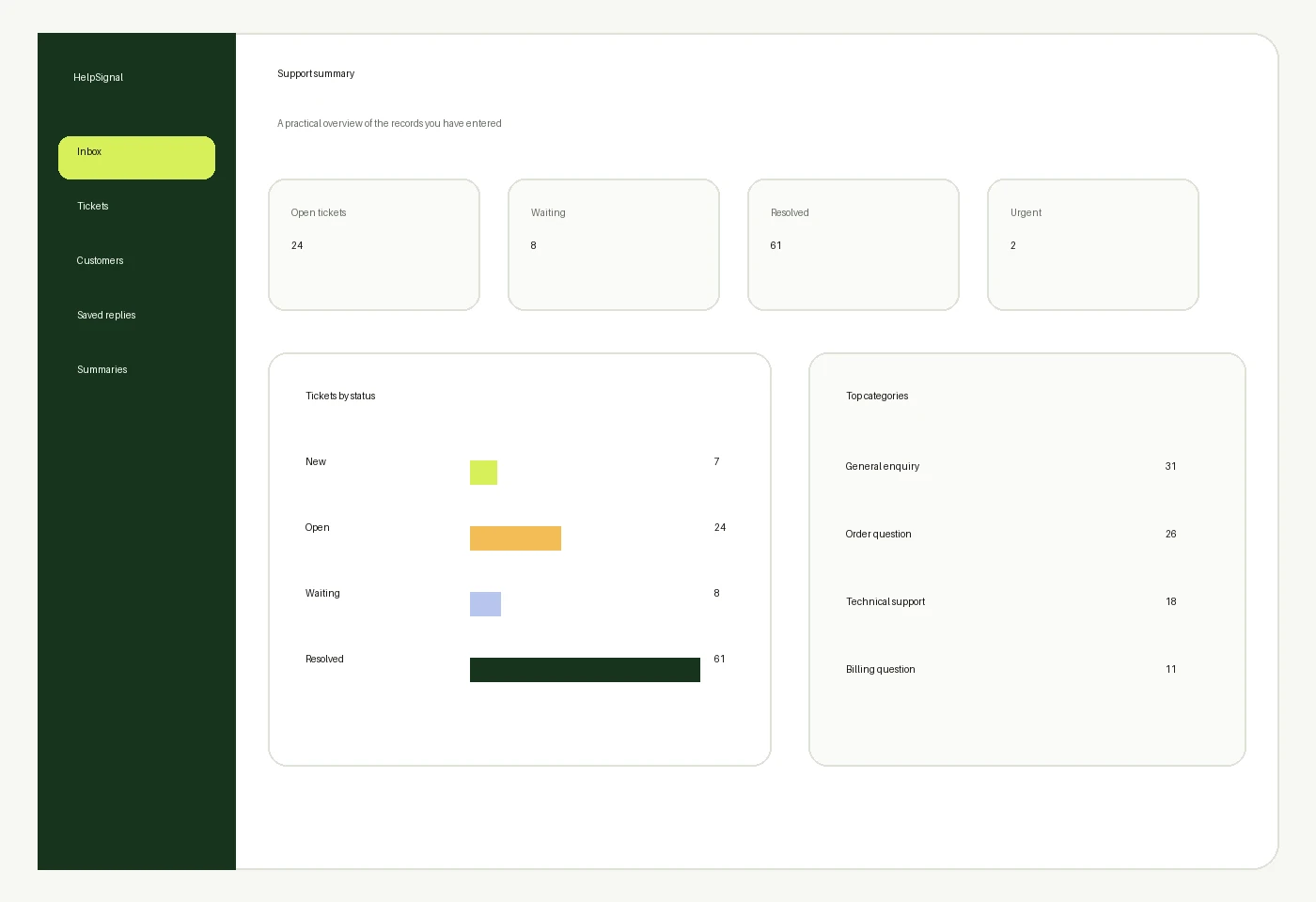
Review ticket totals, status, priority and category overviews, plus open and resolved counts. These are practical summaries, not predictive analytics.
Find the records you need without scanning every open request.
Search by reference or subject.
Find records connected to a customer.
Narrow results by support category.
Focus on the priority you selected.
See new, open, waiting or completed work.
Review activity from a chosen period.
Selected higher-level HelpSignal packages may include multi-user or team-oriented support features according to the stated package limits. HelpSignal does not claim real-time collaboration.
Compare HelpSignal packages and choose the level that matches your support volume, customer records and user requirements.